Currency selector and manual order input
3D PrintForce added currency selection, manual order input, and improved visibility for manually created orders.
This update introduced two practical improvements for sellers managing pricing across currencies and handling orders that do not come in through a connected platform.
Currency selector
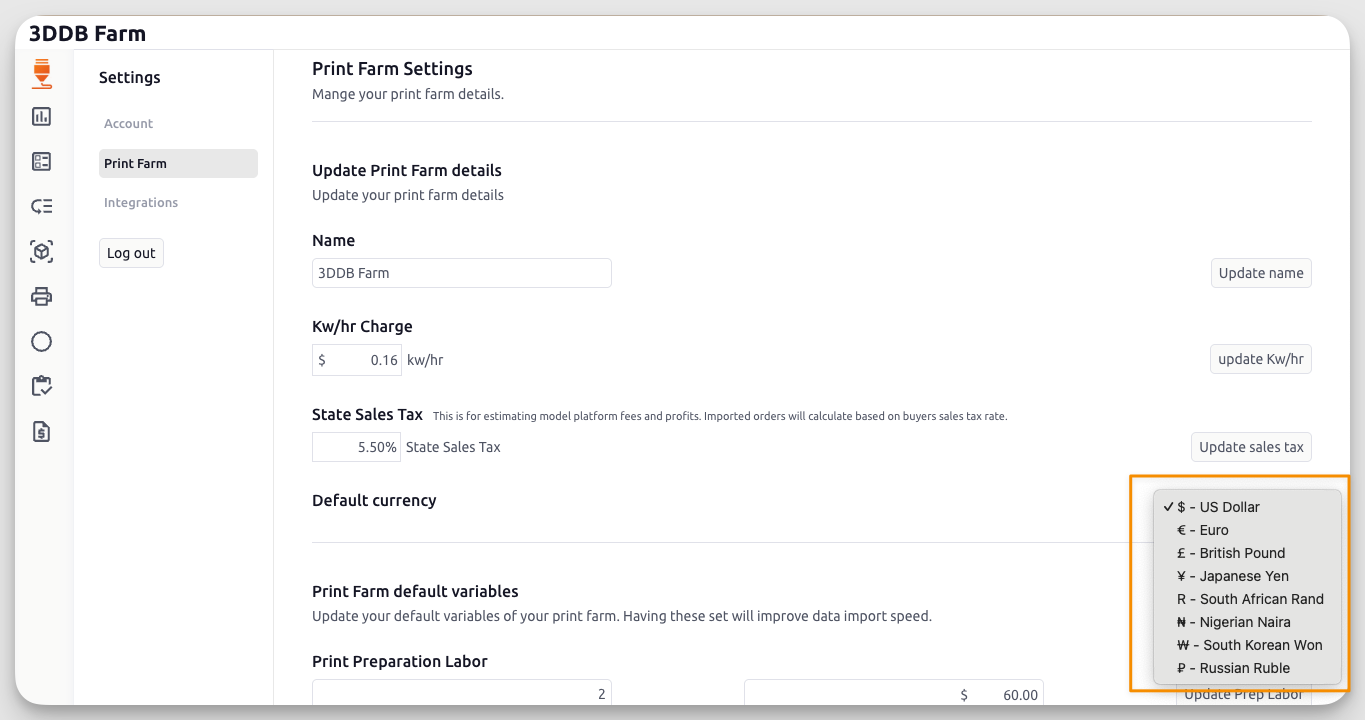
Users can now choose their preferred default currency in app settings.
This was a long-requested quality-of-life improvement, especially for sellers operating outside USD or working across multiple marketplaces.
The original release directed users to configure it in:
Settings → Print Farm → Default Currency
Manual order input
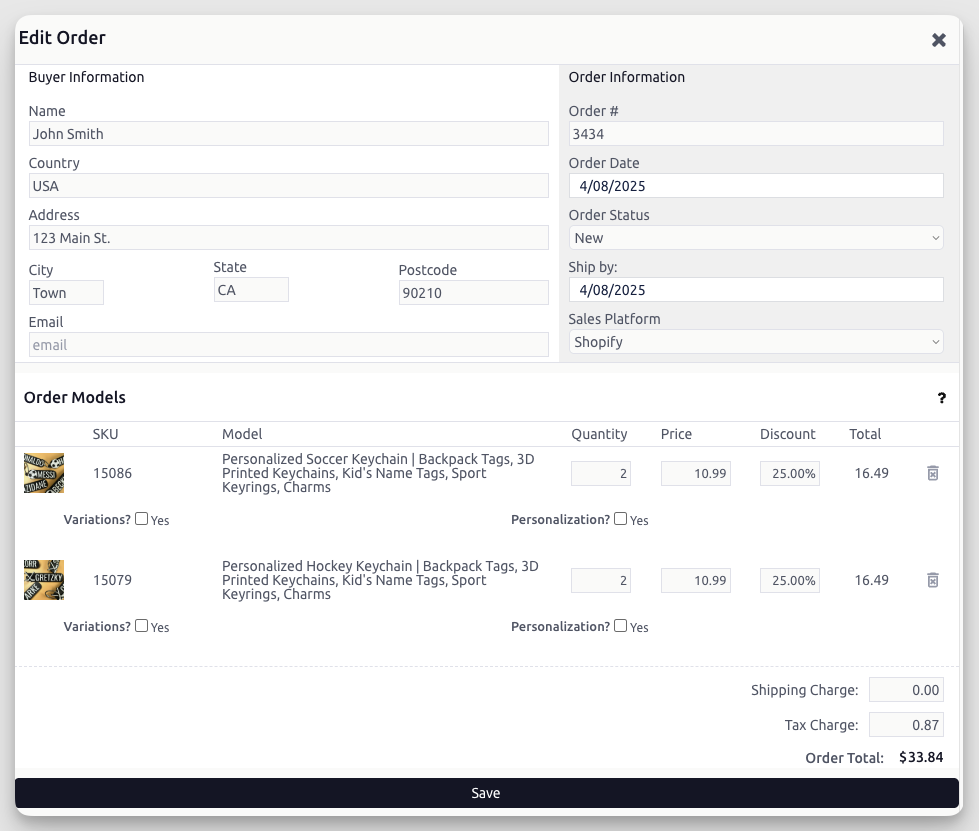
3D PrintForce added support for manually creating orders.
That lets sellers log:
- orders from unsupported platforms
- in-person sales
- custom or off-platform transactions
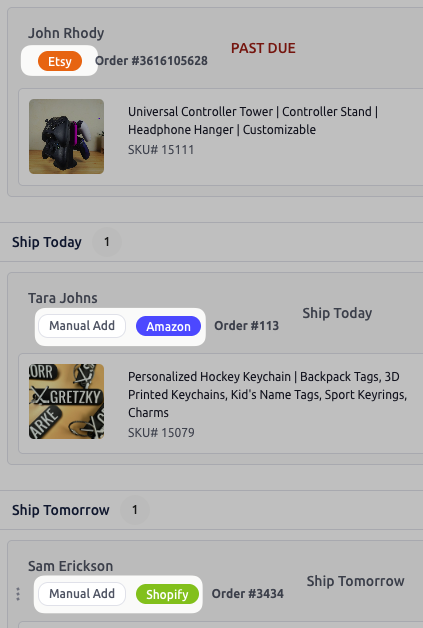
The release also highlighted new order tags to make manually created orders easier to identify in the order workflow.
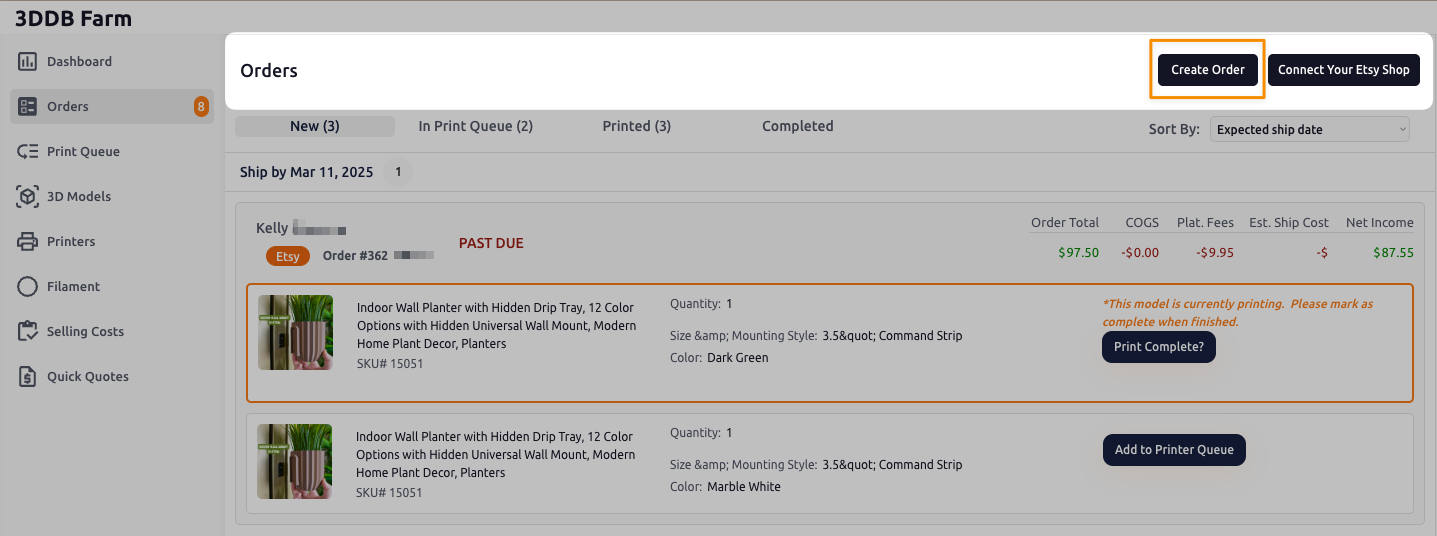
Users could find the new Create Orders button in the header area of the Orders page.
Discord connection reminder
This changelog entry also repeated the Discord connection flow so users could join the 3DPF community server and receive access based on subscription level.
